Support 1000+ Video sites
Our service casts a wide net with over 1000+ supported video sites, including popular platforms like Vimeo, Facebook, Instagram, Twitter, Bilibili. we make it easy to download videos from a diverse range of sources.
The fastest and easiest video downloader to download videos from any website.

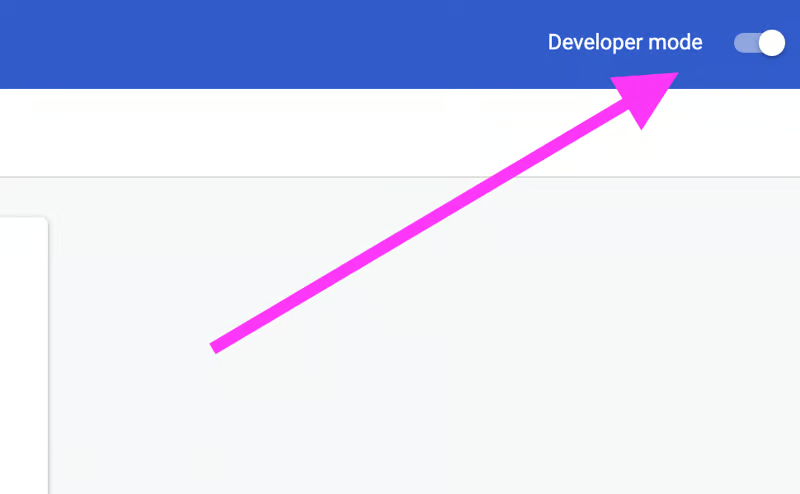
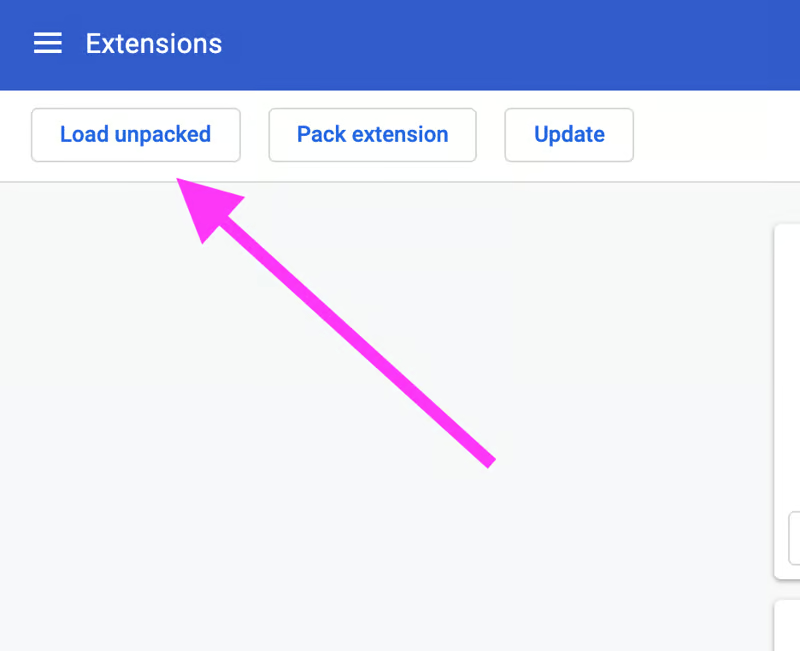
Installing Video Downloader Professional Chrome extensions manually.

Use either technique to get the folder onto your local machine. Use whichever technique fits your workflow and comfort level.
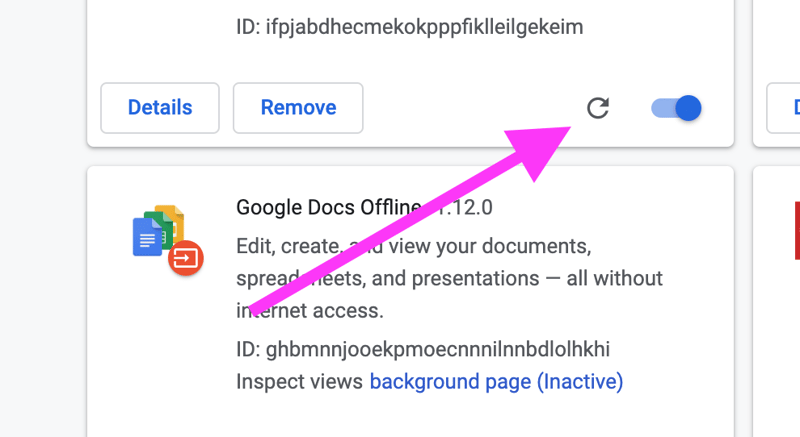
If you pull down new changes or make a change to the extension's files locally, you'll need to hit the "refresh" icon in chrome://extensions/ in order to run the new functionality...